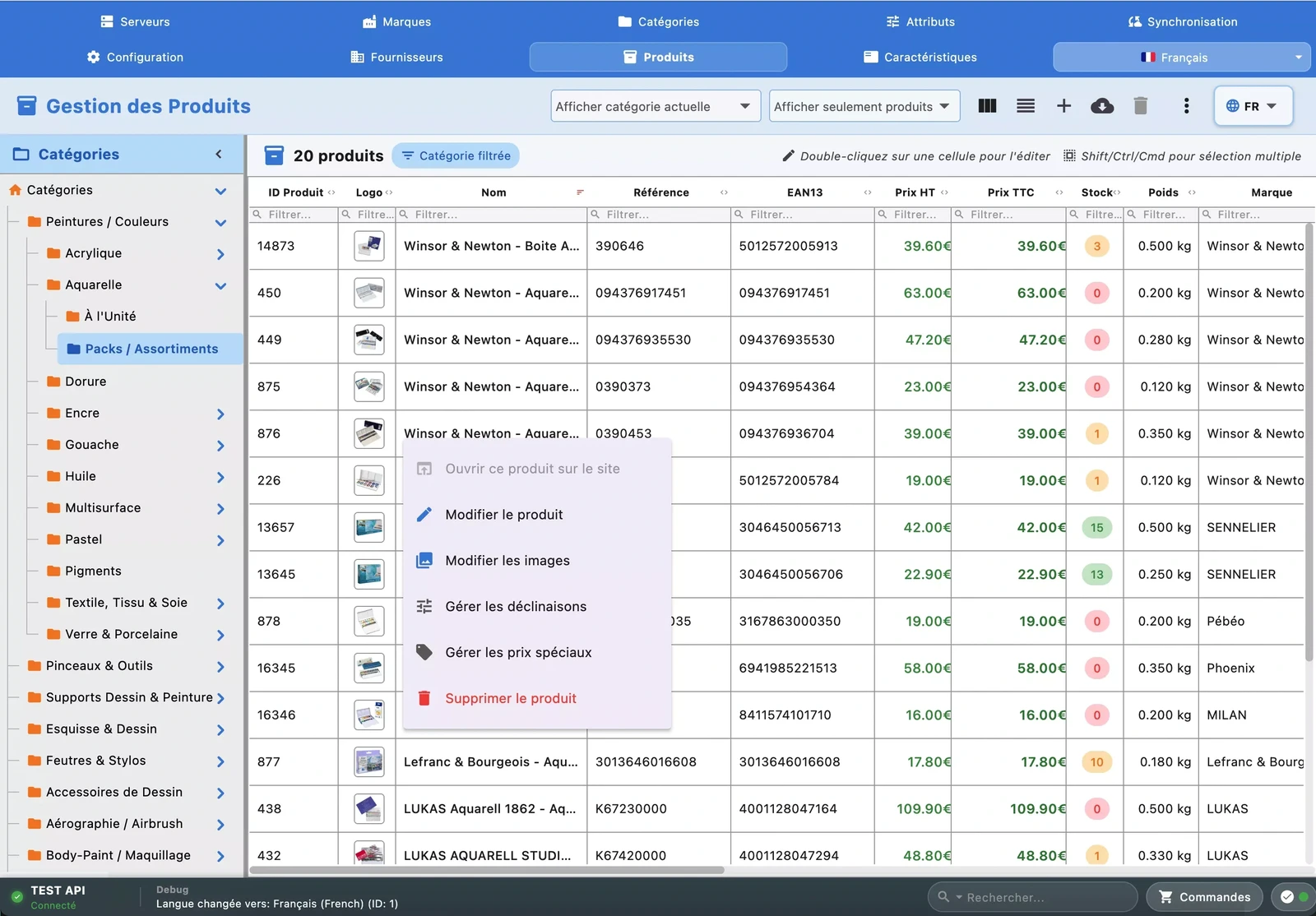
Products & Catalog
Create and edit your products in an Excel-style grid: price, stock, reference, description, status — every cell is editable with a single click. Bulk-update prices by percentage or fixed value, enable or disable entire batches of products, change categories in one go. Manage images (upload, drag-and-drop, captions), special prices per customer or group, and multi-language content with a built-in WYSIWYG HTML editor. Duplicate a product in one click, auto-generate combinations from attribute sets, manage related products (cross-selling), virtual products with downloadable files, tags, and complete per-language SEO. Filter by status, category, brand, or supplier, and find any product instantly with global search.
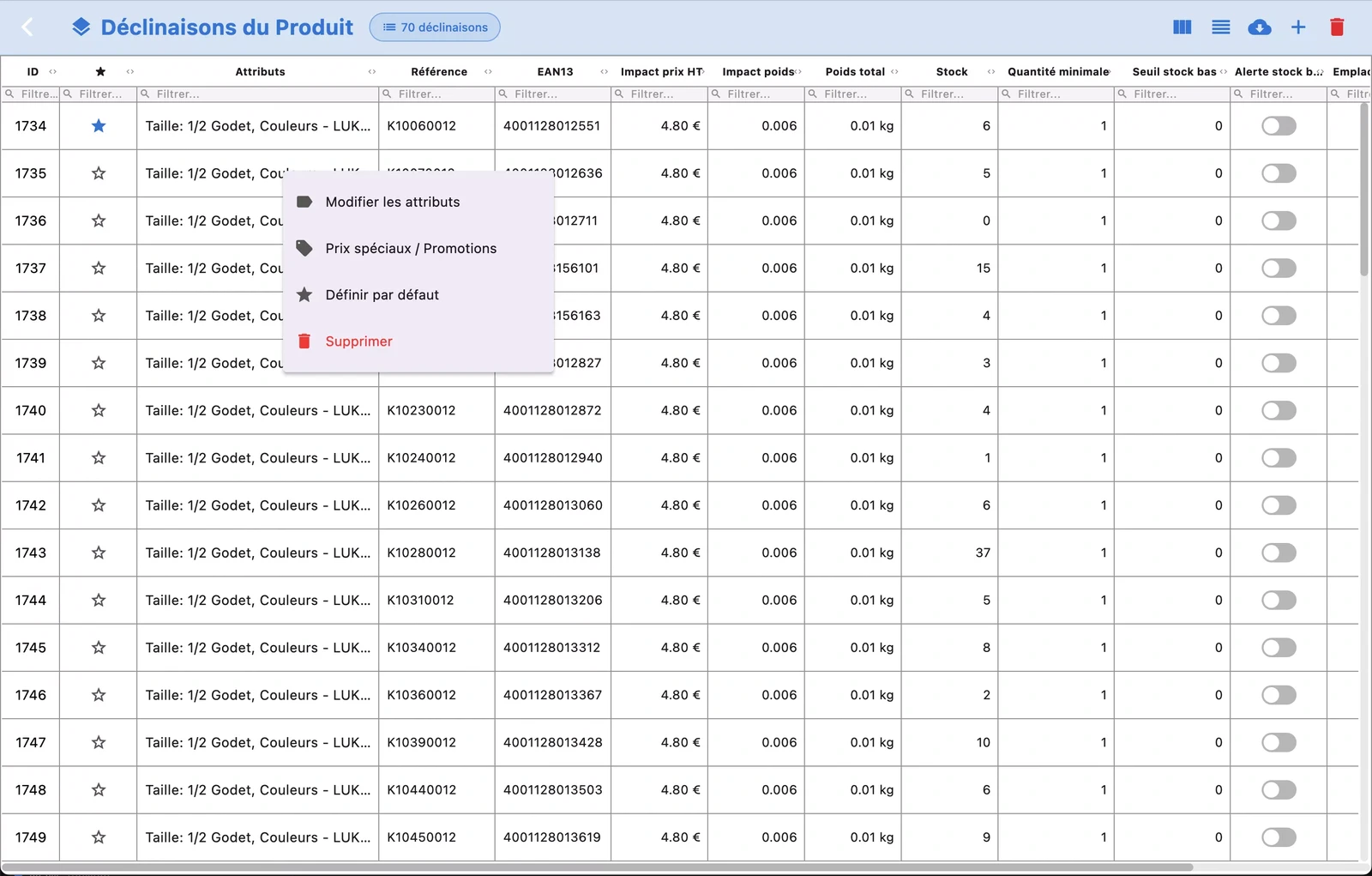
Combinations & Variants
Create, edit, and delete product combinations (size, color, material...) in a dedicated grid. Impact price, stock per variant, supplier reference, EAN, MPN, location — everything is editable inline. Set the default combination with a single click. Compatible with PrestaShop 1.7, 8, and 9 with automatic detection of schema differences between versions.
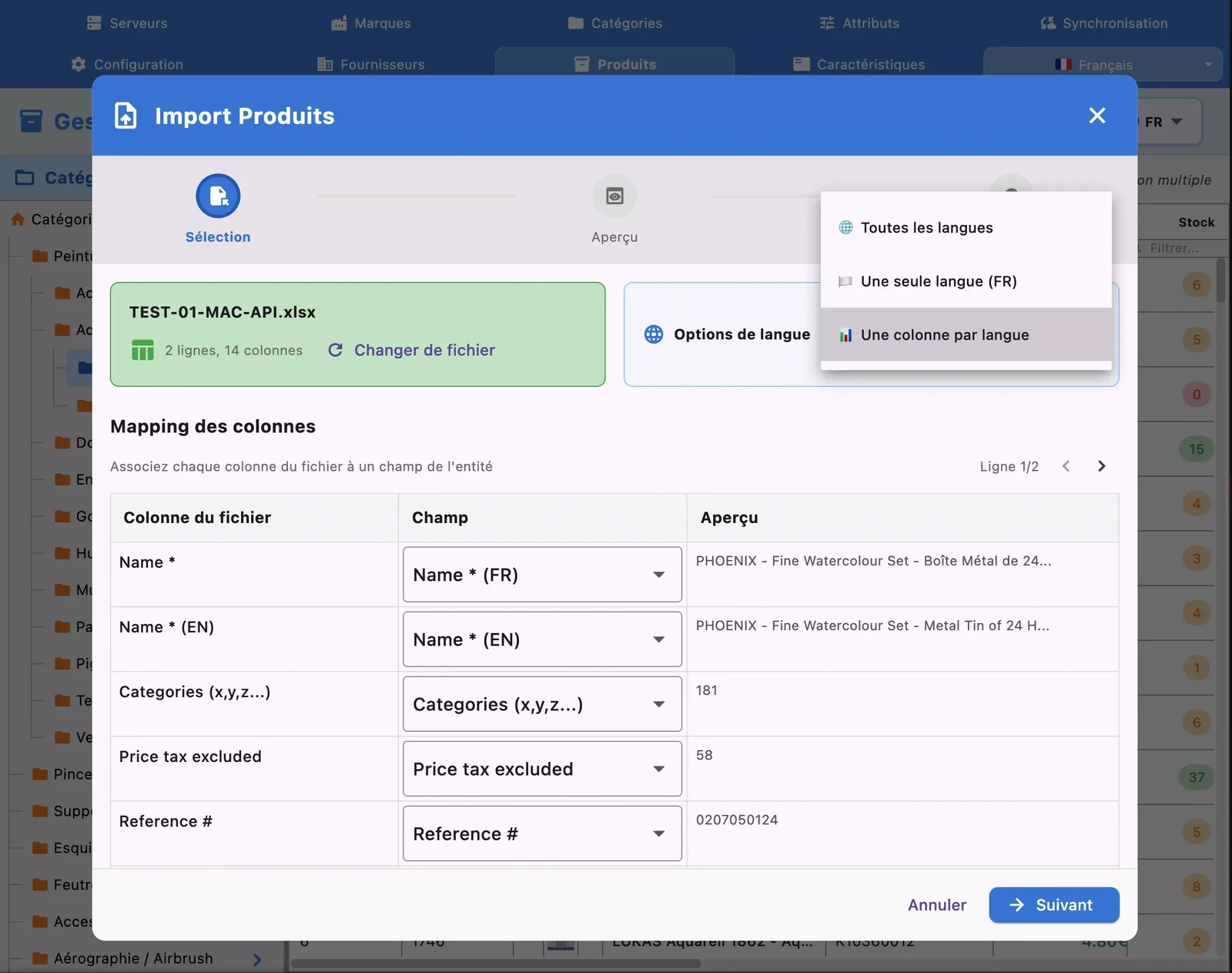
CSV & Excel Import / Export
Import and export in CSV or Excel format — not just products and combinations, but also categories, brands, suppliers, attributes, and features. Drag and drop your files directly into the application. Column mapping is automatic and configurable, with smart resolution of brands and suppliers by name or ID. Multilingual export lets you generate a complete file with all your store's languages.
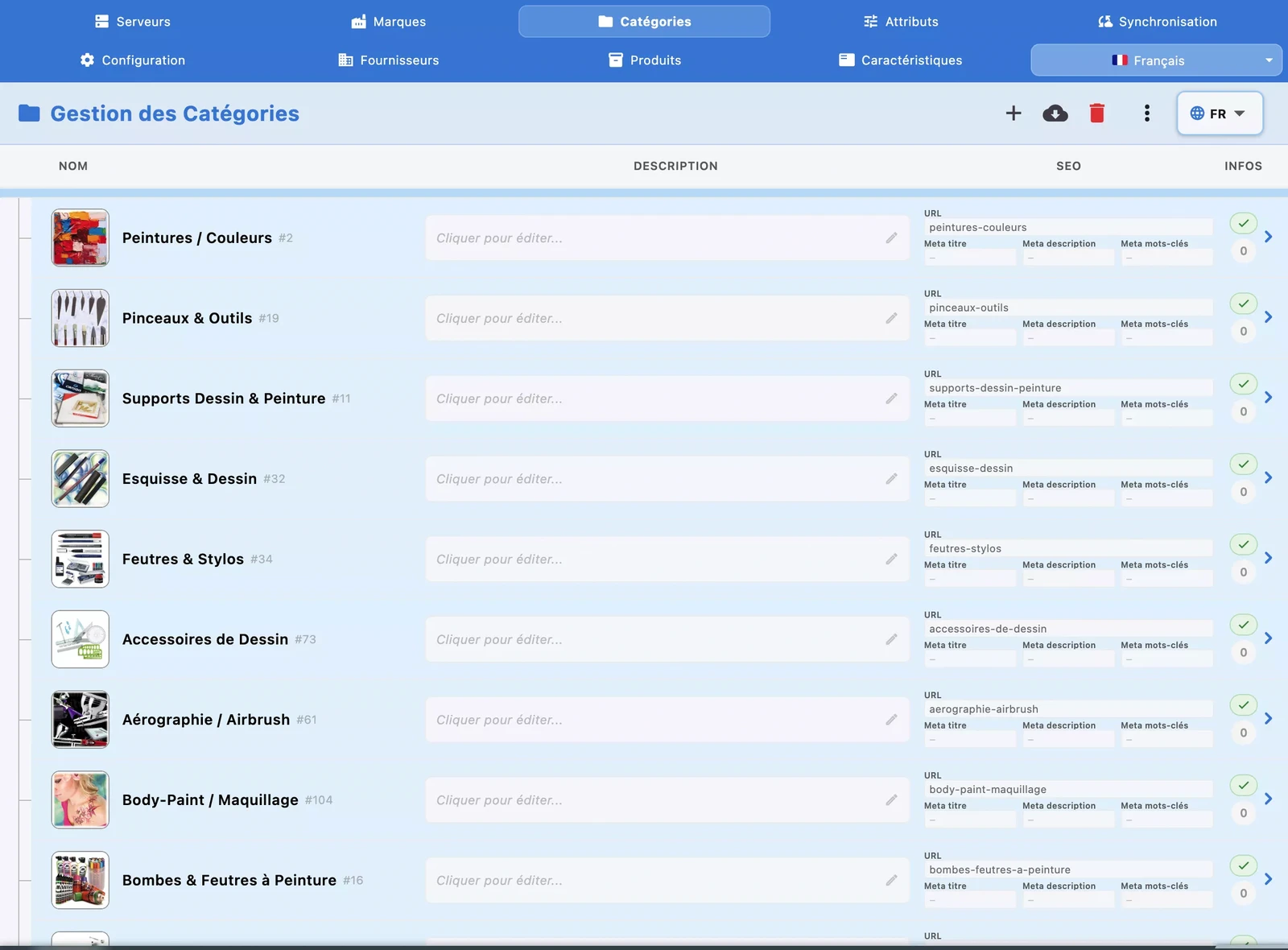
Categories & Tree
Navigate the complete category tree with hierarchical display. Create new categories, edit names, descriptions, and SEO meta in all languages. Manage category images and export everything to CSV or Excel. Reorganize category positions and manage shop associations directly from the grid.
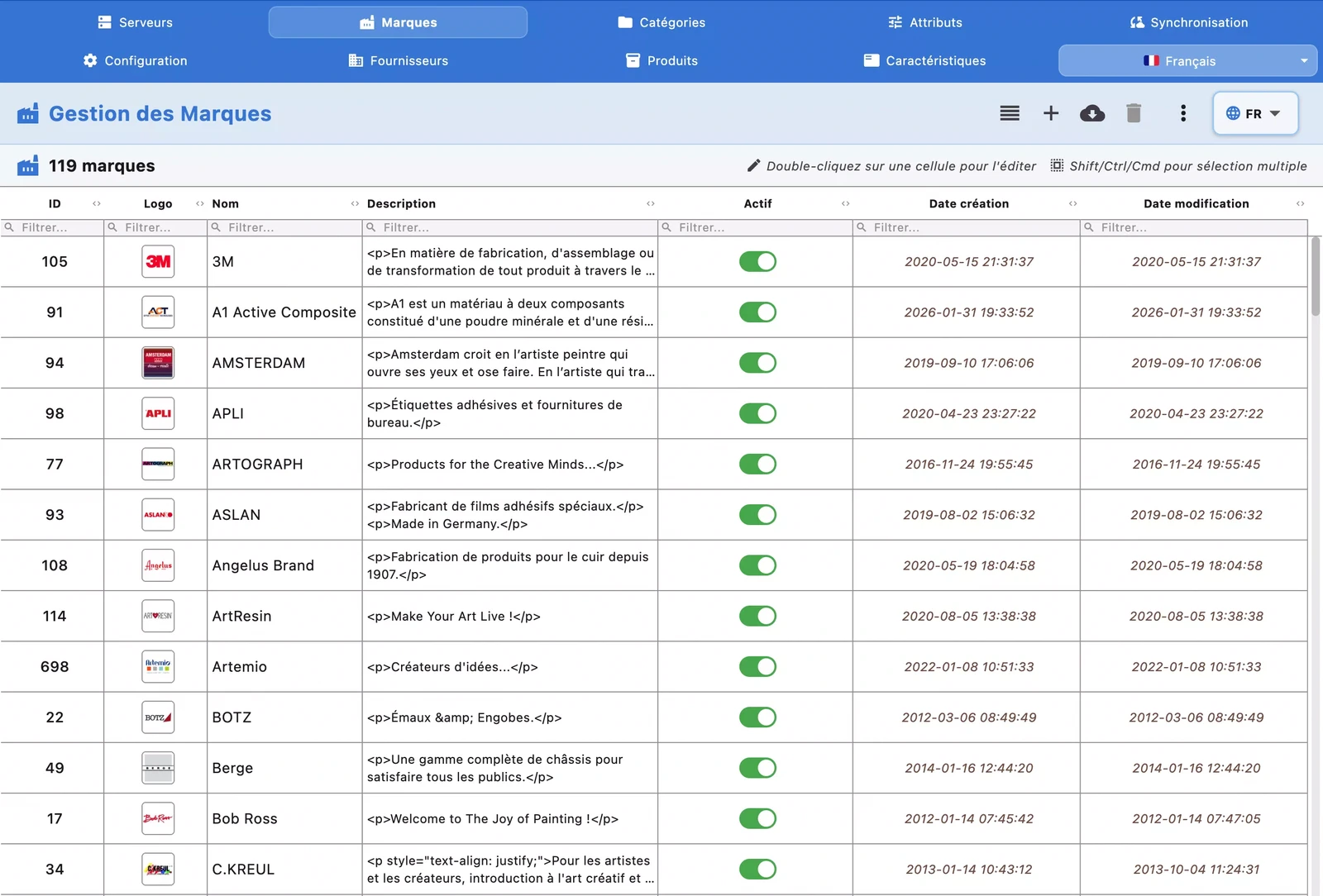
Brands & Suppliers
Create and manage your brands and suppliers in dedicated grids with inline editing. Upload brand logos, fill in supplier contact details (email, phone, full address). Export your data to CSV or Excel. During product import, brands and suppliers are automatically resolved by name or created on the fly if they don't exist.
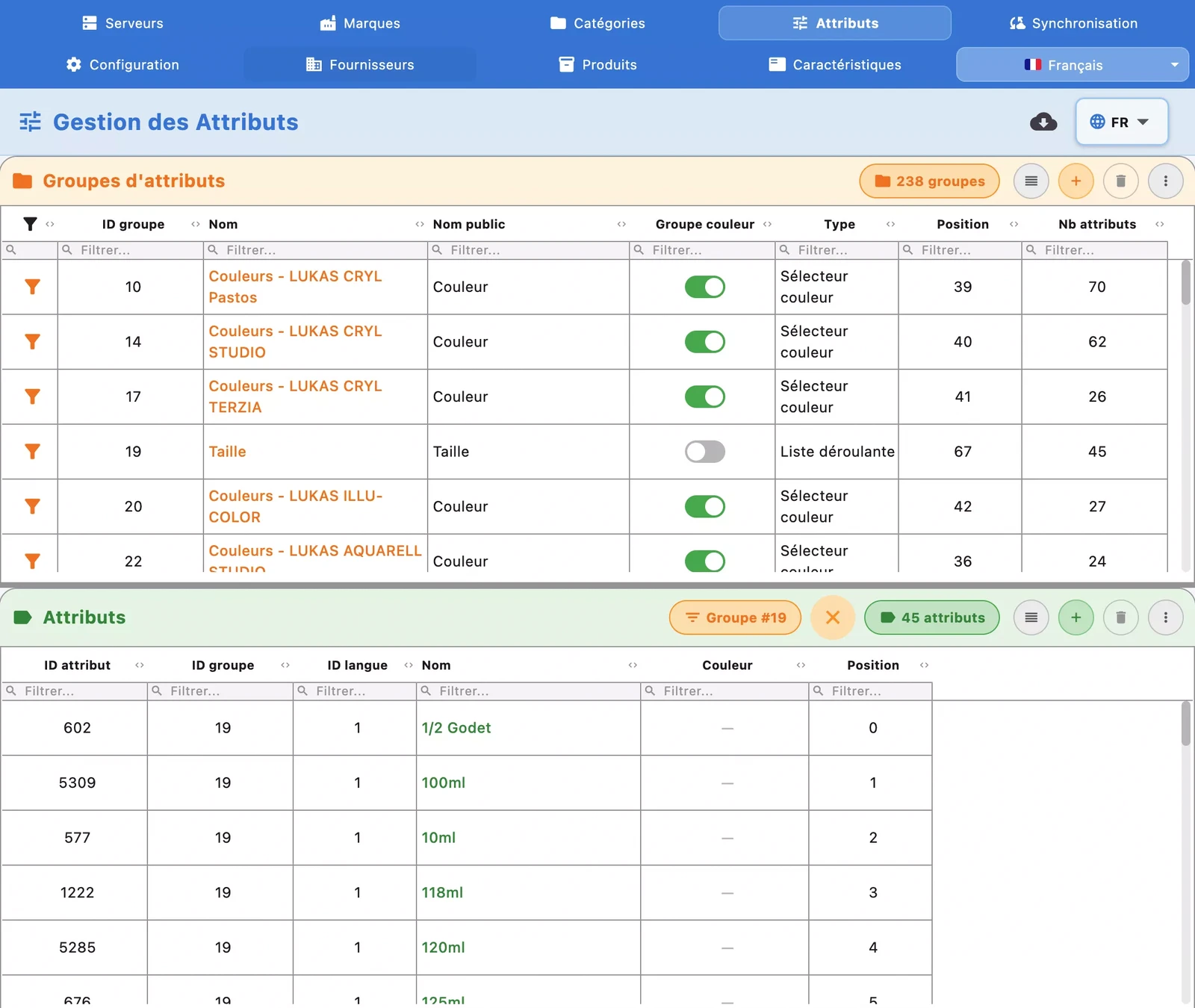
Attributes & Features
Create and edit your attribute groups (size, color, material) with display type selection (dropdown, radio buttons, checkboxes) and visual color support. Manage product features (composition, weight, origin) with multi-language editing. Export everything to CSV or Excel. Every change is instantly synchronized to your PrestaShop store.
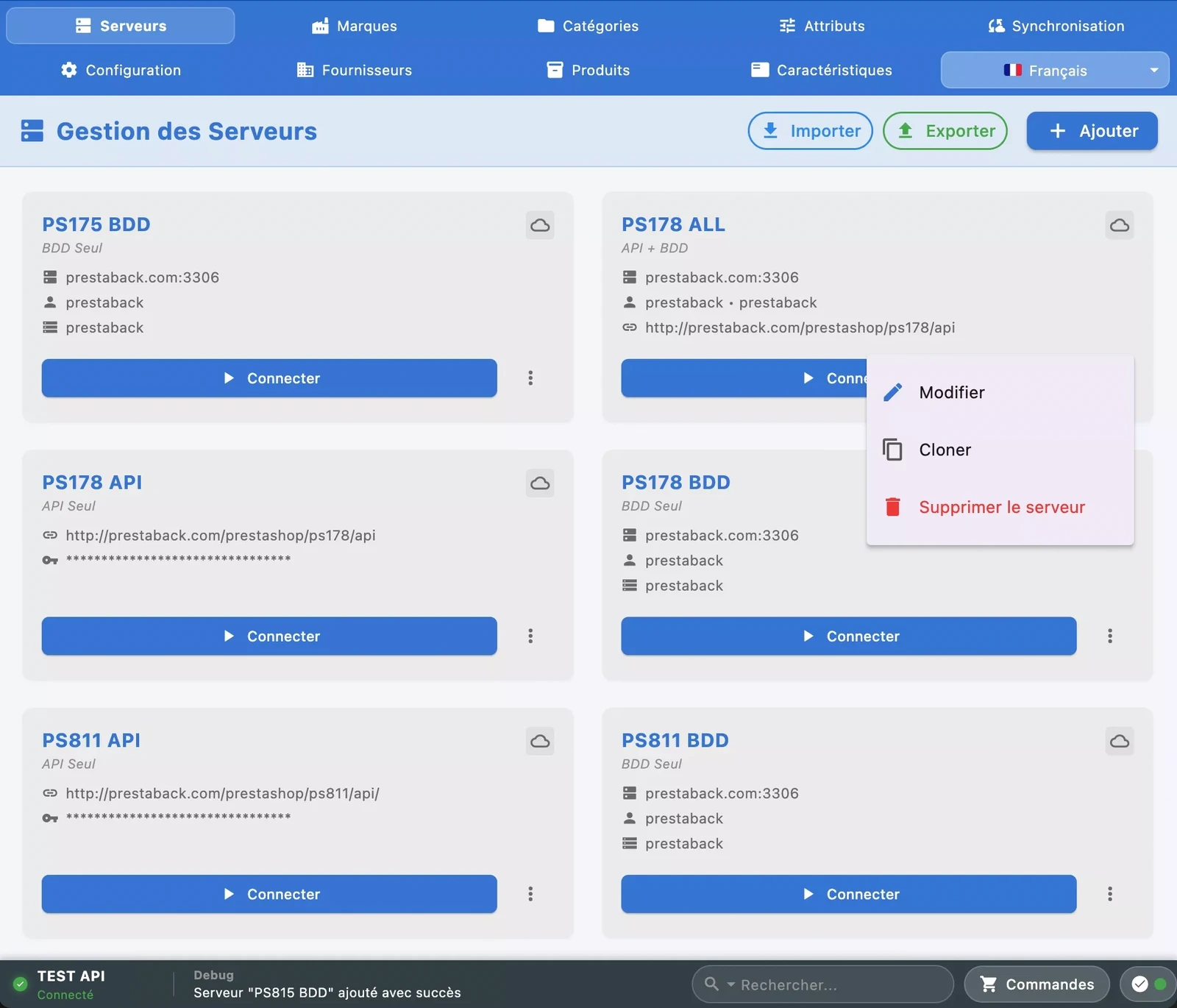
Multi-Store & Servers
Connect multiple PrestaShop stores simultaneously. The connection runs through the PrestaBack Connecteur module: install it once on your store, and all communication is secured by a unique token — no API keys or database access to configure. When a new version of the module is available, the application detects it and updates it automatically in one click. Switch between stores with one click, with a dedicated local cache per server.
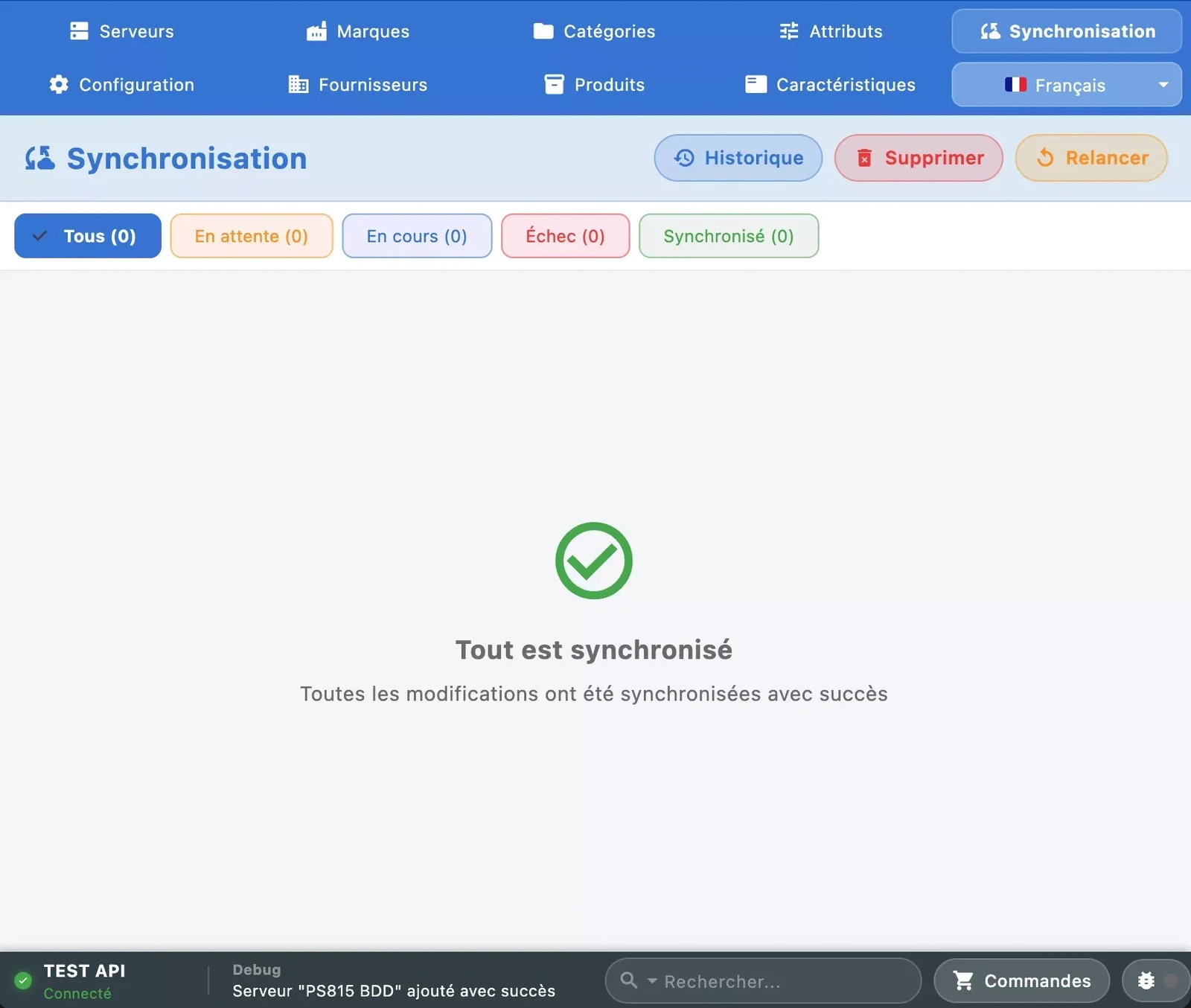
Sync & Offline Mode
Synchronization is smart: the application loads your current store and each section or category on demand, right when you need it — after that everything is instant thanks to the local SQLite cache. Work even without a connection: changes are queued and sent automatically when the network returns. Track every change in the built-in modification log, replay or undo from the queue. Cells pending sync are colored orange, errors in red.
Orders & Customers
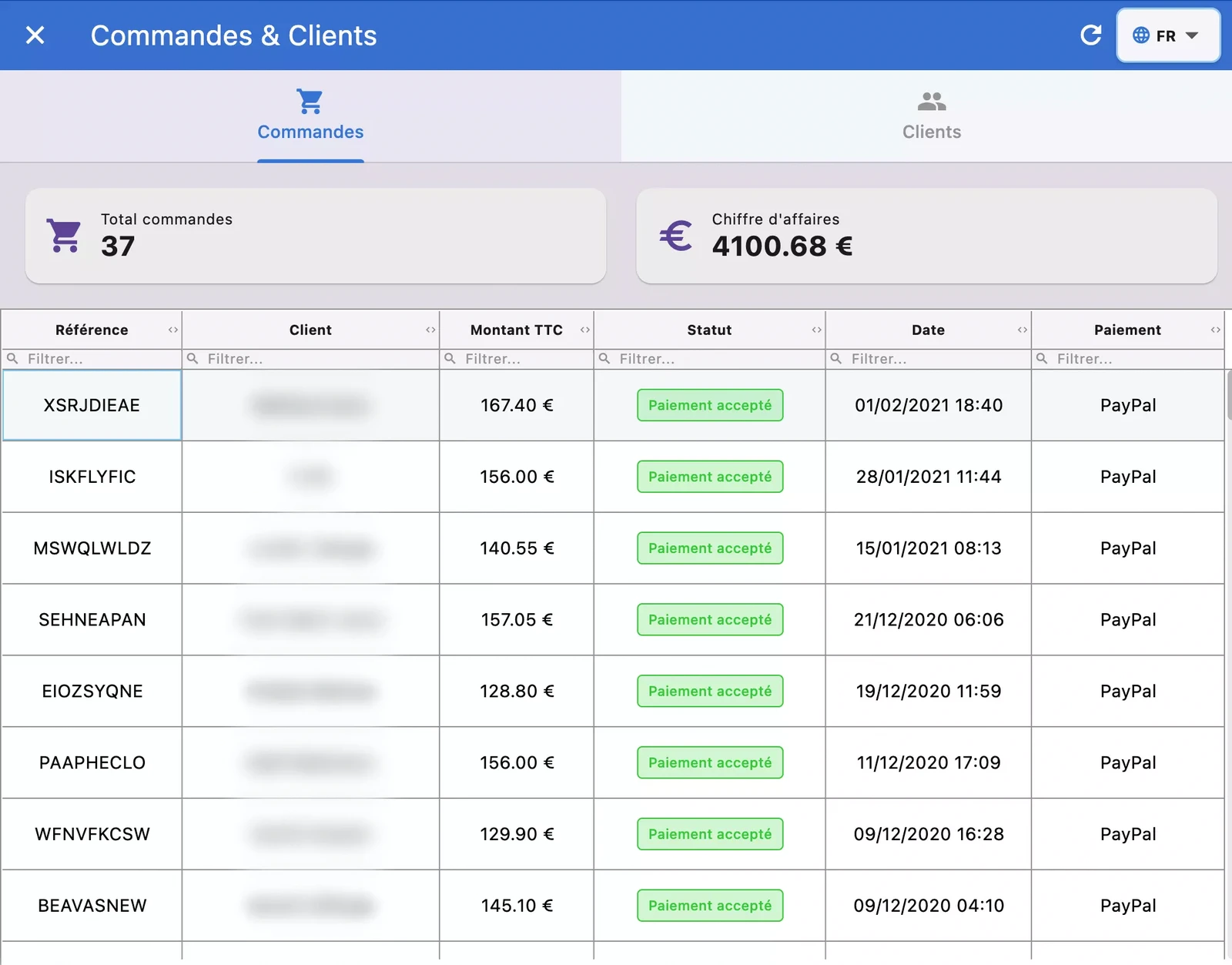
View your orders with full details: products, amounts, payment method, and carrier. Change order status directly from the application, with customer emails sent just like the back-office does. Edit the tracking number and download the PDF invoice in one click. Navigate from order to customer profile and back: purchase history, contact information, delivery address. A dedicated customers tab gives you a complete overview of your customer base without opening the PrestaShop back-office.